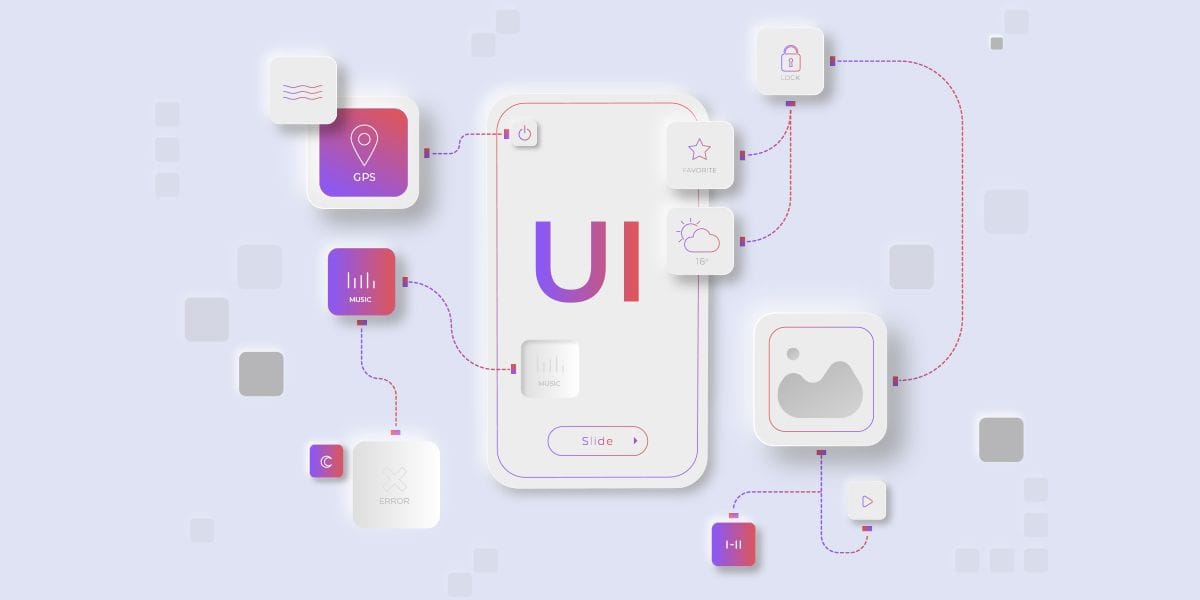
What is UI Design?
UI design focuses on the look and feel of websites, mobile apps, and software. It includes designing elements like buttons, menus, colors, icons, and layouts that help users navigate smoothly.
A good UI ensures users can interact with a product without confusion or frustration. Visually appealing and user-friendly designs attract users and improve their overall experience.
What Are the Key Principles of UI Design?
UI design follows core principles that ensure a smooth and positive user experience. A well-designed interface feels natural and easy to use, allowing users to interact effortlessly.
Let’s explore the essential principles that make UI design effective.
1. Focus on Clarity
Keep designs simple with clear labels, readable fonts, and understandable icons. Avoid clutter and ensure every element serves a purpose. A clean layout improves usability and navigation.
2. Maintain Consistency
Consistency is key to a smooth user experience. Use the same colors, fonts, and styles across all pages to help users feel comfortable and navigate easily.
3. Provide Clear Feedback
Users should receive instant feedback for their actions. Show loading indicators, success messages, or error alerts to guide users effectively.
4. Keep Design Simple
Avoid unnecessary elements that make the interface complex. A simple and clean design improves usability and enhances the user experience.
5. Adapt with Ease
Ensure your design works smoothly across all devices and screen sizes. Responsive design improves accessibility and usability for all users.
6. Guide with Structure (Hierarchy)
Use visual hierarchy to guide users. Highlight important elements like buttons and headings so users can quickly understand and navigate content.
7. Design for Everyone
Accessibility ensures everyone can use your product. Use good color contrast, readable fonts, and keyboard navigation support.
8. Empower Users
Give users control by allowing actions like undo, go back, or cancel. Avoid forcing users into unwanted actions and create a flexible experience.
Conclusion
Good UI design creates enjoyable and easy-to-use experiences. By following these principles, you can build interfaces that users love.
We are a leading web design company offering top-notch design services.
Looking for modern web solutions? Contact us at info@authorselvi.com.