

Most business owners assume that adding AI means starting over. Looking varies ways to integrate the into their existing platform to handle user queries and automate their taske etc. So they picture months of work, a rewritten codebase and a bill that makes the whole idea pointless.
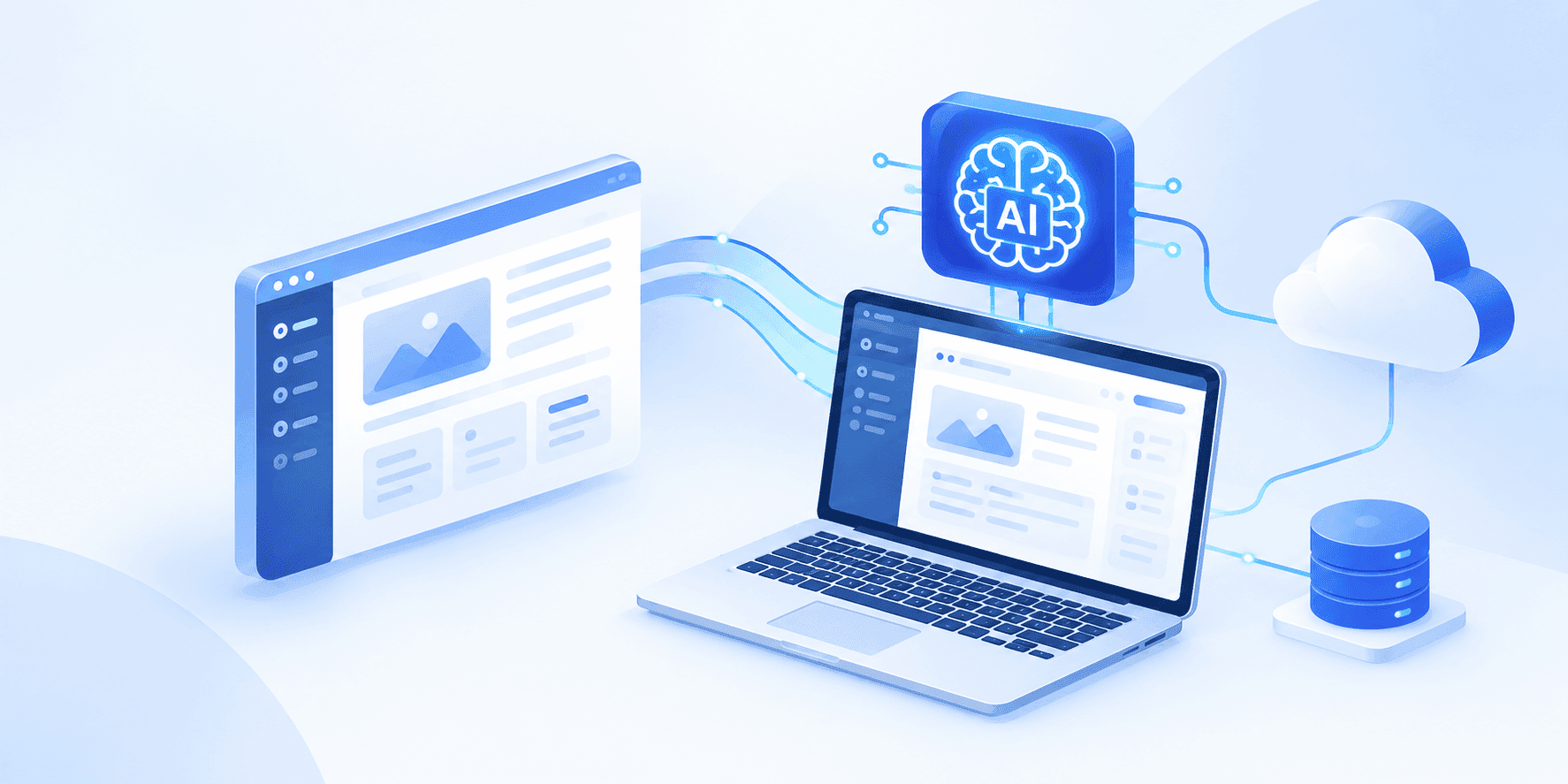
In reality most applications integrate the AI features without any major rebuild. With the right process can integrate the AI with the existing wen or mobile applications without affecting the its core features and functionality. You add a new layer that talks to an AI model, and your existing app carries on doing what it already does well.
In this guide we walk you through how that process actually works, from choosing the first feature to keeping costs under control after launch.
Step 1: Identify Your Business Problem
Add AI after analysing your business problem. Look at where your team or your customers currently lose time. Some common examples:
- Is your team answering the exact same twenty questions every single day?
- Are employees still typing paper invoices into your system by hand?
- Does your team waste hours just searching for files or data?
- Does it take half a day just to build one weekly report?
Consider a standard inventory or stock management company. Right now, employees might have to type out bills, answer repetitive questions, and log data by hand. This manual process eats up hours and often leads to costly human mistakes.
AI can simplify inventory and stock management by keeping track of products, quantities, and stock movements with less manual effort. It can analyze sales and inventory data to identify low-stock items, detect unusual changes, and help businesses understand which products are moving quickly or slowly.
AI can also automate stock updates when items are purchased or sold, reducing data-entry work and the chances of human error. This helps businesses maintain accurate inventory records, avoid unnecessary stock shortages or overstocking, and make better purchasing decisions.
Pick one problem to begin with. A single feature that works is far more valuable than five half-finished experiments.
Step 2: Analyse What Your Application Can Support
Before adding an AI solution to your business, first check whether it can integrate with the applications and systems you already use.
Tech Stack:
Understanding your existing technology stack is important. Whether your software is built with PHP, Laravel, Node.js, Python, .NET, React, React Native, or Flutter, it can generally connect with AI services through API services. Older or outdated systems may require an additional integration layer, but this can still be far more practical and cost-effective than rebuilding the entire application.
Data:
You should also consider what information the AI needs to work effectively. AI cannot understand your business automatically. If you are building a chatbot to answer customer questions, you may need to provide FAQs, product information, service details, pricing, policies, and other relevant business documents. Preparing and organizing this information properly can take time, but it plays a major role in making the AI accurate and useful.
Data security:
It should also be considered from the beginning. If your business handles medical records, payment information, customer details, or other sensitive data, decide which information can be processed by an external AI service and which data needs to remain within your own systems. Planning this early will help you choose the right AI technology, integration approach, and security measures for your business.
Define Ownership:
Before implementing AI, clearly decide who will be responsible for managing the AI system and its business outcomes. The team should identify what data the AI needs to access from your website, application, or other business systems and who will manage that information. It is also important to establish clear rules for data security, validation, access permissions, and activity logging.
Step :3 Choose the Right AI Type
Third party API models:
Services from OpenAI, Anthropic or Google handle the heavy work for you. You send a request, you get a response, and you pay per use. This suits the large majority of business applications because it is fast to implement and needs no special infrastructure. This is best for NLP, Facial recognition, Speech recognition, image recognition, etc.
Self-hosted open models:
Models such as Llama or Mistral can run on your own servers. Costs are predictable and your data never leaves your environment, but you need proper infrastructure and someone to maintain it.
Retrieval-Augmented Generation (RAG):
RAG uses a company’s own documents, policies, FAQs, product information, and knowledge base to generate accurate responses. It searches and retrieves relevant information from your business data and uses it to answer user queries. RAG can be used for AI chatbots, knowledge bases, AI agents, and customer support.
Custom AI Model: Use this when you need greater control over data, privacy, behavior, and performance. However, it requires additional infrastructure, monitoring, and maintenance. Before building one, first consider whether AI actually solves the problem you need to address.
Step 4: Train your AI Models
AI systems work differently from your software because their responses depend on the data, instructions, and inputs they receive. Train your AI based on your business goals, such as answering customer questions, qualifying leads, or helping convert prospects.
Set clear boundaries and escalation rules so the AI knows when to answer and when to hand over the conversation to a human. Use your business data to train the AI, then test, evaluate, and continuously improve its accuracy based on user queries and feedback.
Example: If a customer asks“My payment was deducted, but my order is still showing as pending. Can you fix it?” the AI can say, “I’ll connect you with a support specialist who can help you with this,” and hand over the conversation to a human agent.
Step 5: Integrate AI Into your business
Once the AI has been trained and validated, it can be integrated into your application. This typically involves using APIs to transfer data between the AI and different parts of your apps.
During the training and configuration process, clearly define what the AI can access and what it cannot access. In some cases, the AI also needs access to fresh or frequently changing data.
For this, it is better to maintain a separate AI data layer that can be updated regularly.
For example, inventory stock levels may change frequently. When the stock is low, the AI data needs to be updated so that the AI can provide the latest information.
Before integrating the AI into the live application, test and validate its responses, permissions, data access, and workflows, and make any necessary updates.
Step 6: Monitor and Maintain the AI Model
AI models require continuous monitoring to ensure consistent performance and accuracy. Human oversight is important for identifying issues and maintaining quality. Whenever the company adds new information or features, update and test the AI based on user queries and feedback.
Use A/B testing to compare the model’s performance before and after updates. Monitoring tools such as TensorBoard, MLflow, Datadog, and Neptune can help track and evaluate AI performance.
How Authorselvi Helps You Integrate AI
You don’t always need to rebuild your software to add AI. Instead, look at your existing system and find where AI can make the biggest difference. You may not need to change your current tech stack—start by choosing the right APIs and adding AI to one small feature at a time.
Begin with a clear problem. Look at which tasks take the most time or cost your business the most each month. Start with a process that has clear rules and a measurable benefit, then expand the AI step by step.
If you’re not sure where AI can add value to your application, Authorselvi’s AI integration team can review your software and help you identify practical opportunities for AI integration.